Free quotation generator in Kenya.
Create professional PDF quotations and price quotes in seconds. Add your logo, line items and VAT, then download instantly. No sign-up required.
Prefer invoicing on your phone? Meet Mocky Invoice Generator for Android.
From
Bill To
Line Items
Emailing a copy signs you up for occasional business tips from Mocky Digital. Unsubscribe anytime.
Live Preview
#QUO-001
From
Your Business Name
Bill To
Client Business Name
Date
11/5/2026
Due Date
-
| Description | Qty | Rate | Amount |
|---|---|---|---|
| Web Design Services | 1 | Ksh 25,000.00 | Ksh 25,000.00 |
Notes / Terms
Thank you for your business!
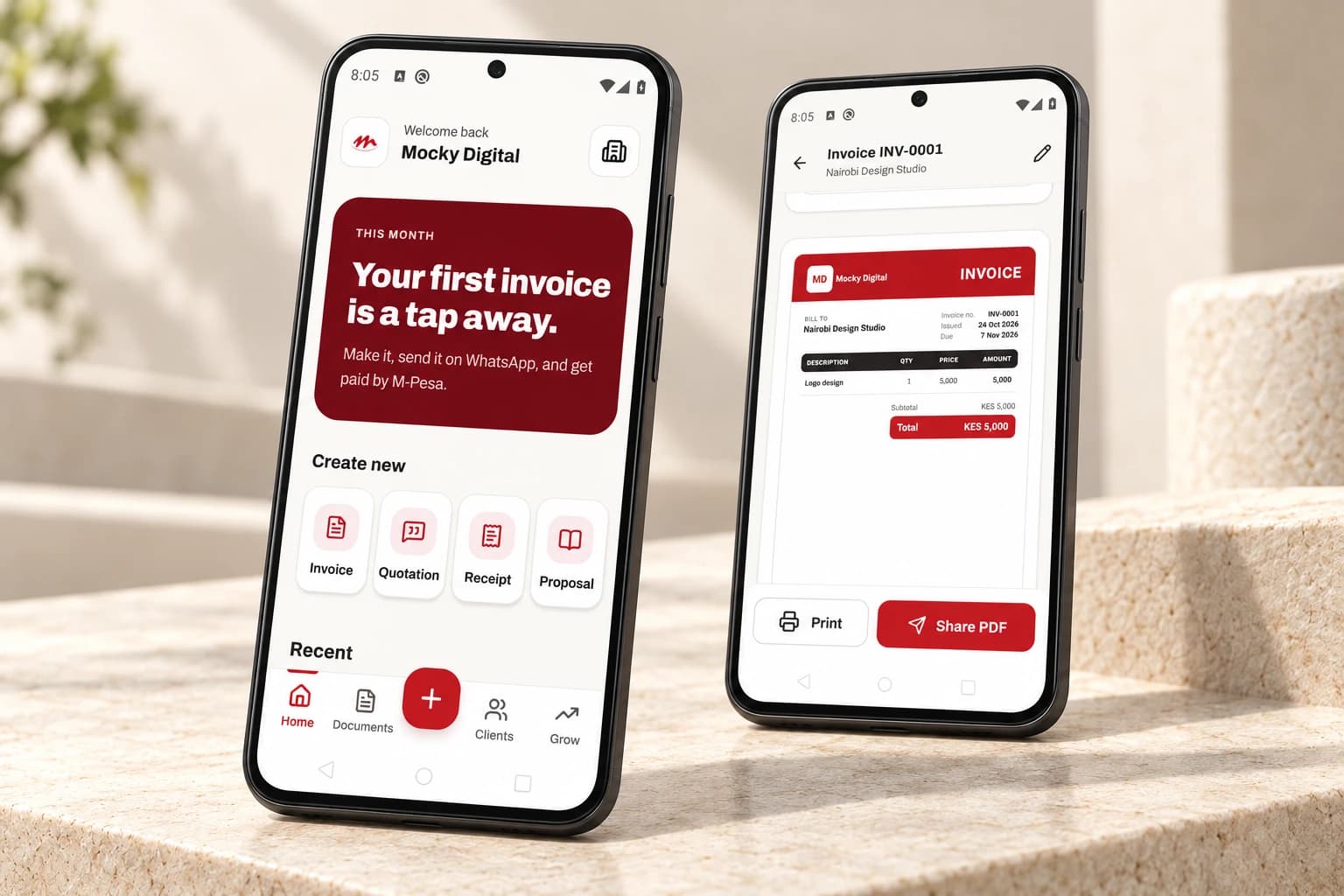
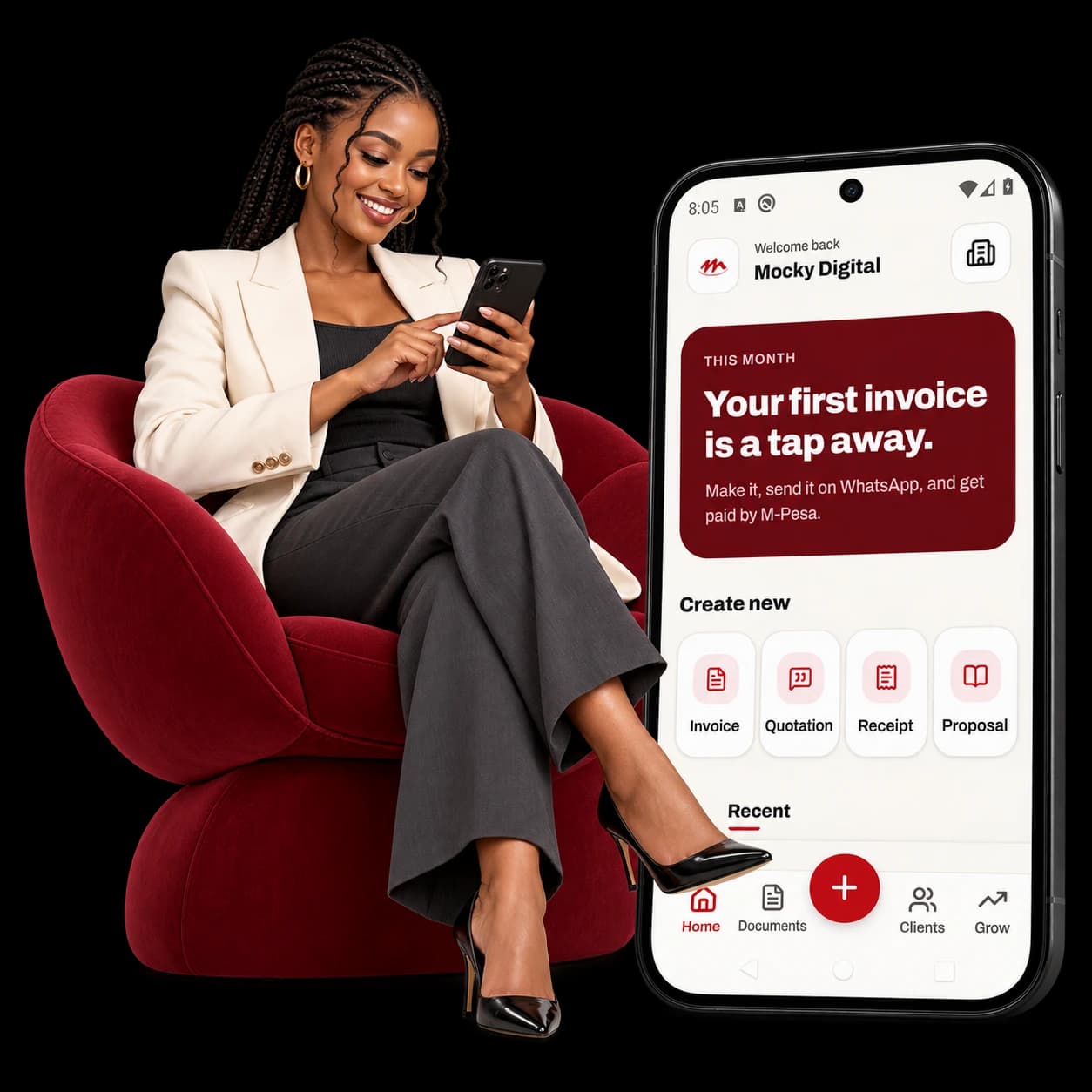
Invoice often? Put it on your phone.
Keep Mocky Docs close when you are working with a client. Create invoices, quotations, receipts and proposals on your phone, then share the PDF on WhatsApp or print it.
The free web generator is here whenever you need it. The Android app gives you another way to work without opening this page each time.
View Mocky Docs on Google PlayWhat you can include in your document
Your business details
Add your business name, logo, contact details and tax ID to your document. A downloaded PDF does not itself issue an eTIMS tax invoice.
VAT & Local Currencies
Quickly select KES, USD, EUR, or GBP. Enter the applicable tax rate and the tool calculates it from your subtotal.
Multi-Document Types
Don't just make invoices. Switch the document type to generate Quotations, Proforma Invoices, Estimates, and Receipts from the exact same interface.
Browser-based PDF creation
Build your PDF in the browser. Downloading records basic business and tool-use details; emailing a copy also sends the document to our delivery service.
Create your quotation in 3 steps
Enter Business Details
Upload your company logo, set your currency (KES/USD), and enter your business name and client details.
Add Items & Tax
List your products or services, quantities, and rates. The tool auto-calculates totals and VAT instantly.
Download PDF
Click download to instantly save a clean, print-ready A4 PDF document that you can email or WhatsApp.
Need help looking more professional?
We also design logos, company profiles, business websites and print materials. Explore a service or tell us what your business needs.
Logo Design
A unique, memorable brand identity that sets you apart from competitors.
Websites
Fast, SEO-optimized business websites designed to convert visitors into clients.
Fliers & Posters
Eye-catching digital and print fliers to promote your events or offers.
Business Cards
Premium quality printed business cards that leave a lasting impression.
Ready to upgrade your entire brand?
Get a Custom Quote