Make your business card work harder.
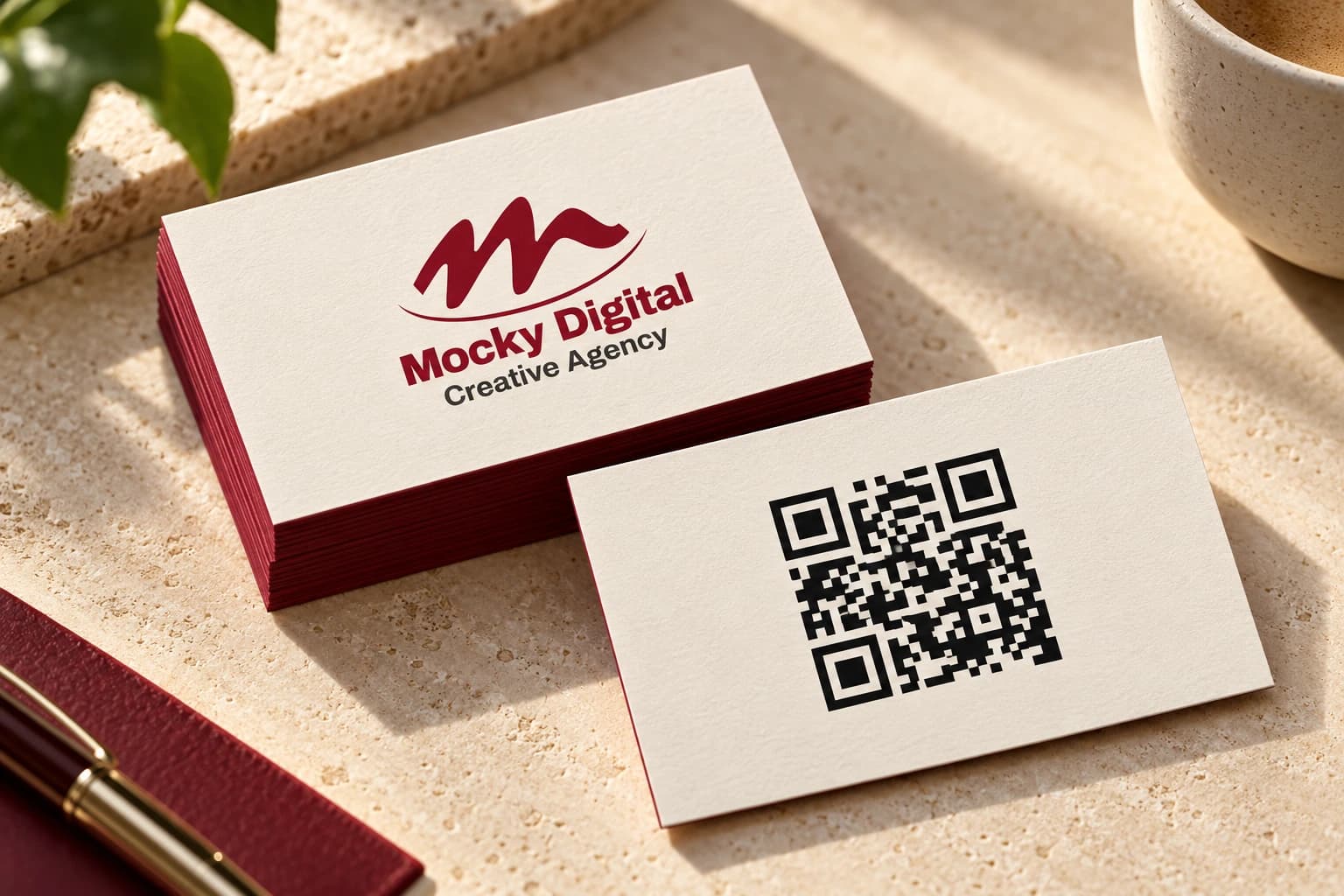
Connect a printed card to your website, portfolio or WhatsApp chat.
Create a QR code for your website or WhatsApp. Put it on a business card, menu, parcel or shop counter, then let customers take the next step.
Create your QR codeOne generator. Website links and WhatsApp chats. PNG and SVG exports.
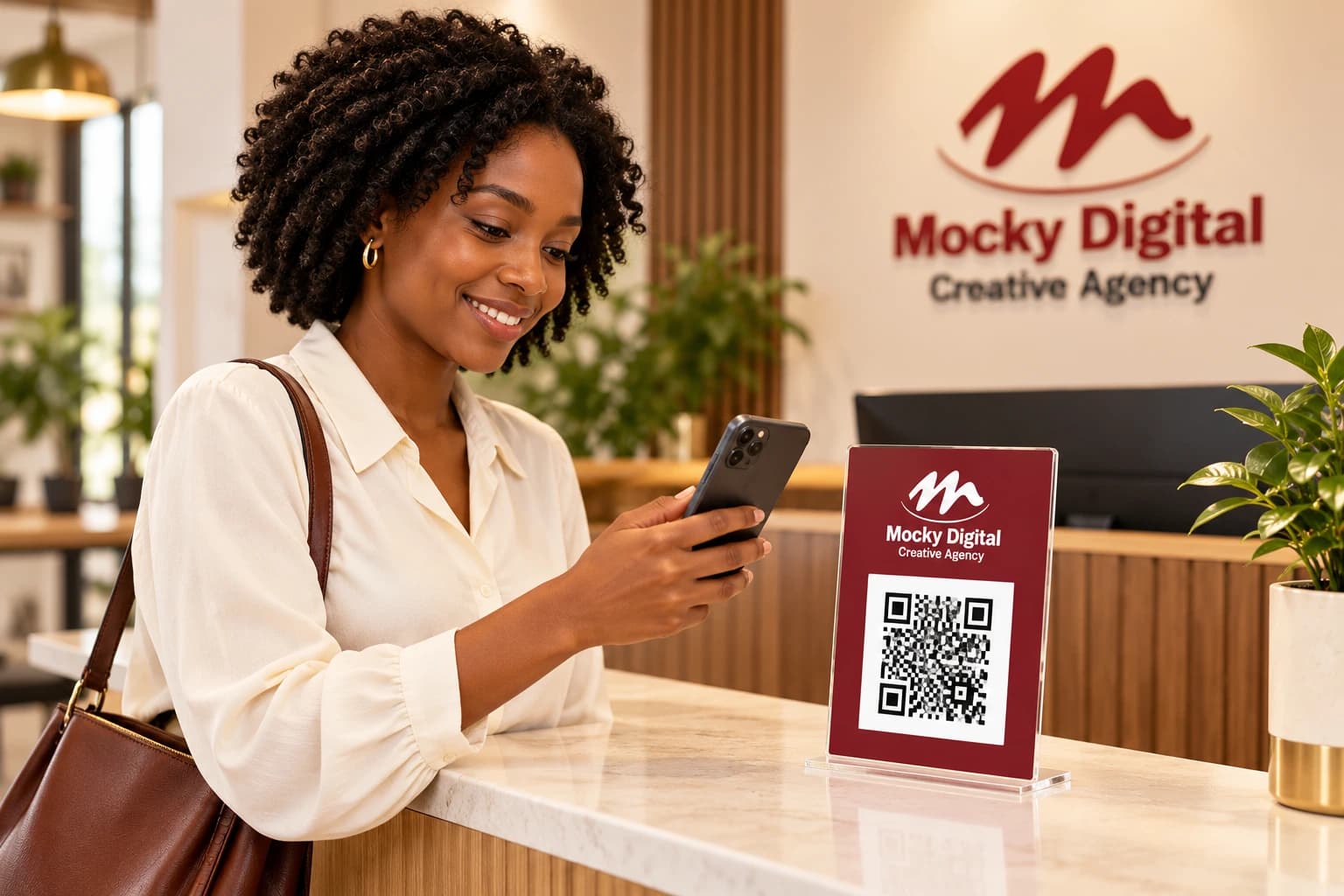
Your preview and download options will appear here.
Generate your code to enable downloads.
Use PNG for digital layouts and SVG for artwork that needs scaling. Scan your finished design before sharing or printing in bulk.
Connect a printed card to your website, portfolio or WhatsApp chat.
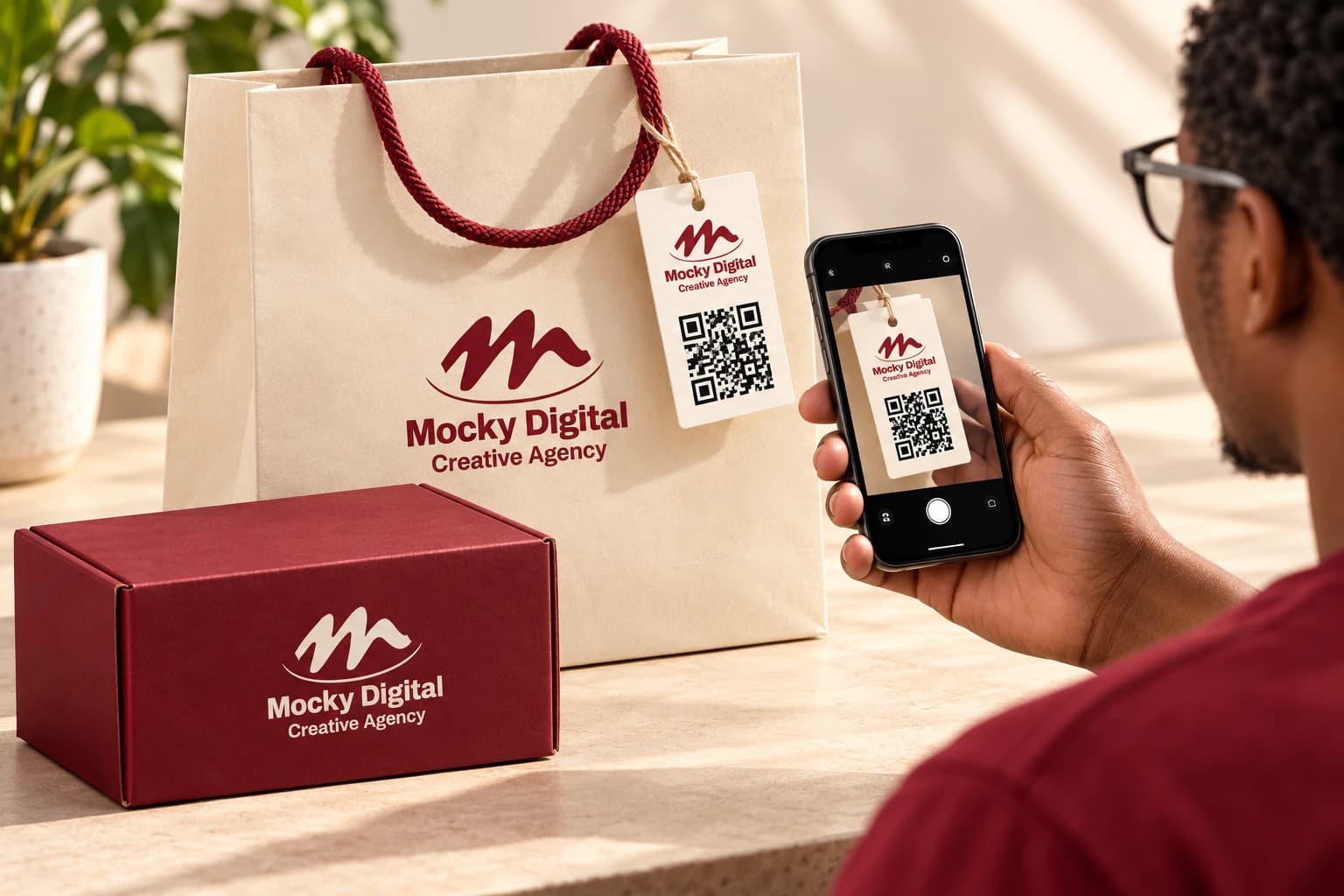
Use packaging tags and inserts to help customers find your store or contact your team.
Yes. Select WhatsApp chat, enter the number and add an optional message. The same generator also creates website-link QR codes.
Yes. Generate your code, then choose Download PNG or Download SVG. Sending a copy by email is optional.
These are static QR codes: the website link or WhatsApp destination is encoded into the image. Keep that destination available and test it before printing.
When you submit the generator form, Mocky Digital records your supplied details in its CRM for marketing tips and offers. You can unsubscribe at any time. The consent notice is shown before you submit.